COVERCON 2026
Your Marketing Toolkit
Starting From Zero? Do These First.
One small step a week for your first month.
1. Google Business Profile
Your free listing on Google Search and Maps. When a homeowner searches for pool covers near them, this is often the first thing they see, and it’s where your reviews live.
Quick Tips
Get Started with Google Business Profile
Follow these resources to create or improve your profile and make it easier for homeowners to find your business.
Watch: How to Set Up Your Google Business Profile

2. CRM (Customer Relationship Management)
One place to track every lead and customer: who they are, where they are in the journey (quoted, sold, installed), and what needs to happen next. A good CRM can also send your follow-up emails and texts for you.
Find the Right CRM for Your Business
Explore these CRM tools to help organize leads, manage customer relationships, and stay on top of follow-ups.
- HubSpot: Free CRM for up to 2 users and 1,000 contacts, with email marketing included. Learn More
- Zoho CRM: Affordable CRM with a free plan for small teams. Easy to add email and texting as you grow. Learn More
- Salesforce: The most widely used CRM. More than most small shops need at first, but it grows with you. Free trial available. Learn More
- Cimplechat: Built for pool and spa dealers, with email and texting included. What Mizu uses. Learn More
- Skedit: Scheduling, crew tracking, invoicing, and customer records for field service businesses, including pool builders. Learn More
3. Email Service Provider (ESP)
The tool that sends your newsletters, promotions, and follow-up emails, and shows you who opened and clicked.
Find the Right Email Marketing Tool
*Most CRMs (including CimpleChat and HubSpot) have email built in. Check yours before paying for a separate tool.
-
- Mailchimp: Free plan for up to 250 contacts. Easy templates for newsletters and promos. Learn More
- Constant Contact: Email marketing with a free trial, no credit card required. Learn More
- MailerLite: Free plan for smaller lists, with a simple drag-and-drop editor and basic automations. Learn More
4. Text Follow-Up
Homeowners answer texts faster than emails. Schedule reminders and check-ins so no quote slips through the cracks.
Explore Text Follow-Up Tools
Get permission before texting customers, and expect a short carrier registration when you sign up for a texting platform. Skipping it can get your number blocked.
-
- Your CRM: Most CRMs include texting. Start there. CimpleChat does.
- Simple Texting: Beginner-friendly SMS campaigns and customer follow-ups. Learn More
- Textedly: Scheduling texts, sending promotions, and reminders. Learn More
- Salesmsg: Automated quote follow-ups and CRM integrations. Learn More
- Heymarket: Teams sharing one business texting inbox. Learn More
The 3-Touch Quote Follow-Up
5. Google Ads
Paid ads that show up when homeowners search for things like “automatic pool cover near me.” You set the budget.
Start Small, Grow Smart
Tip: Start small. Track your cost per lead for 60 to 90 days before you spend more.
Watch: How to Set Up Your First Google Ads Campaign

6. Social Media and Design
Post your real work and keep it consistent. One channel done well beats five half-done.
Build Your Brand with These Tools
*Don’t forget your Google Business Profile. You can post project photos, updates, and offers right to your listing on Google Search and Maps.
-
- Meta Business Suite: Free. Schedule Facebook and Instagram posts in one place. Learn More
- Canva: Free plan for quick graphics, social posts, and flyers. Learn More
- Capcut: Create and edit short videos, Reels, and before-and-after clips. Learn More
- Buffer: Schedule posts across multiple social platforms. Free plan available. Learn More
Not Sure What to Post? Start Here.
DON'T START FROM SCRATCH
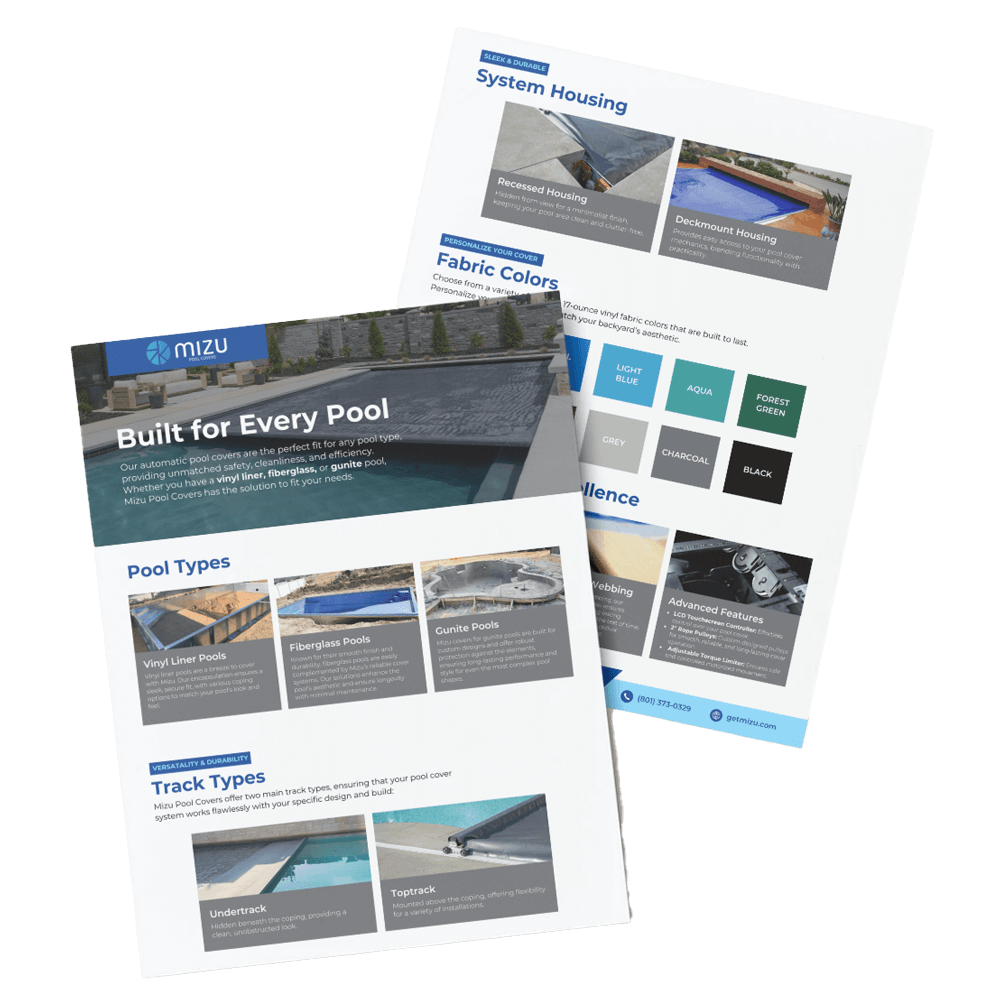
The Mizu Marketing Store
Brochures, flyers, door hangers, co-branded pieces, Google Review Cards, beauty shots, videos, and the builder referral program, all ready to go. Need something custom? Use the Project Request Form.